

PrestaShop Make an offer, Auction module


1.7.3
PS v1.6, v1.7, v8, v9.0

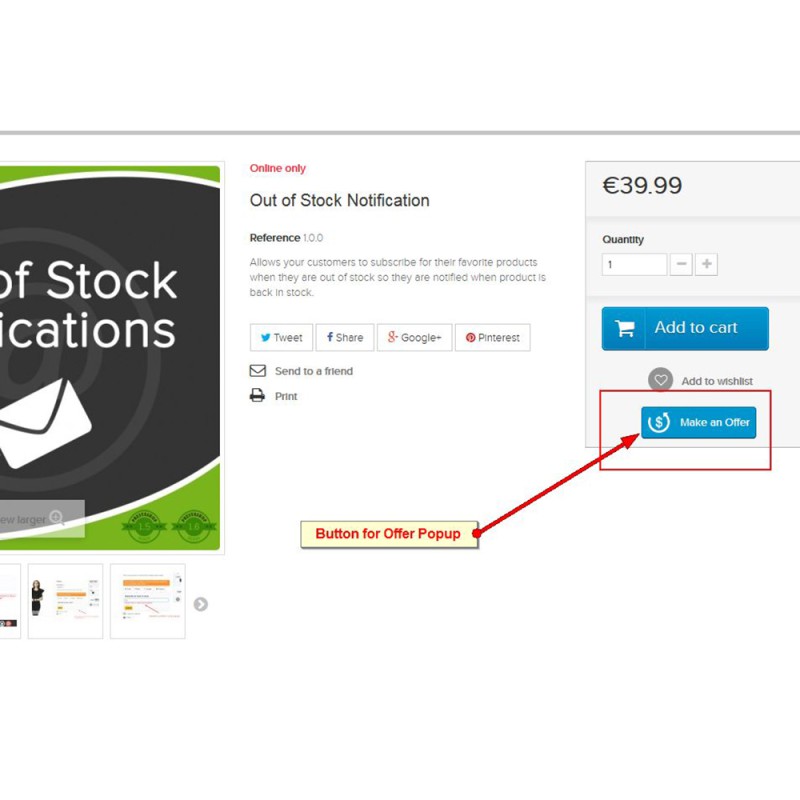
This PrestaShop module gives customers the ability to submit price offers on any product, or on specific products selected by the store owner. Store owners maintain complete control over negotiations, with the option to accept each offer or reply with a counter offer.

Give visitors and customers the option to negotiate a price that fits their budget. It is a proven fact that even a small discount can lead to increased sales and higher customer satisfaction.

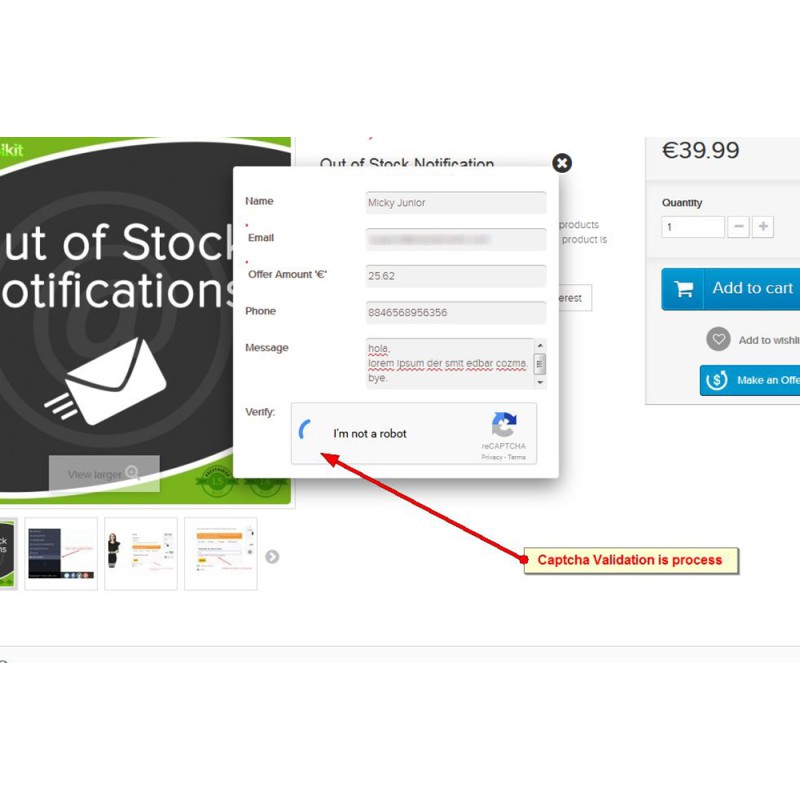
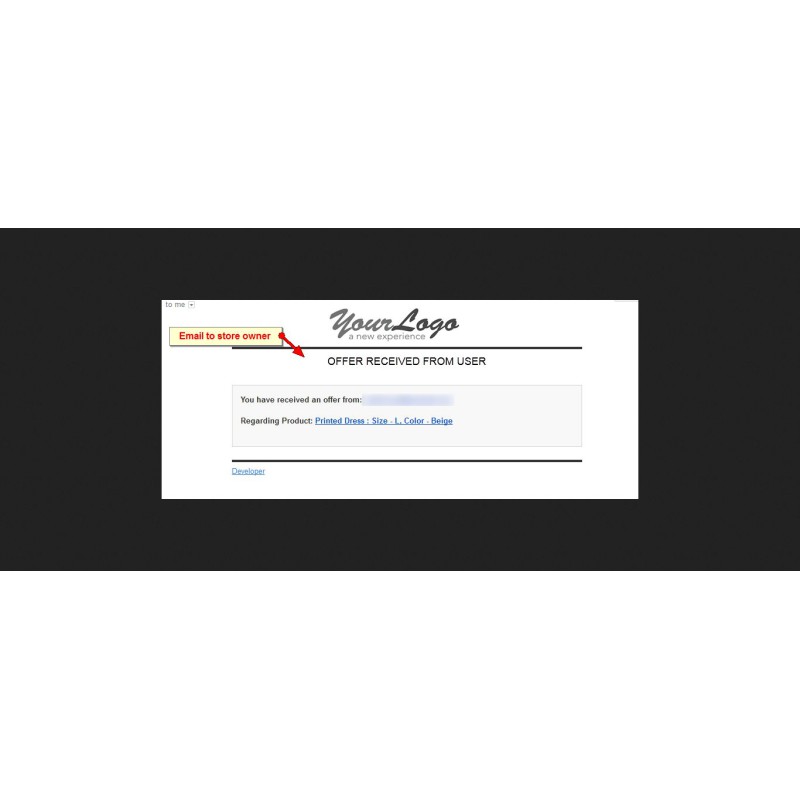
The PrestaShop Make an Offer module collects key information from the customer, including name, email address, offer amount, and message, then sends an automated email to the administrator notifying them that an offer has been made on a product.

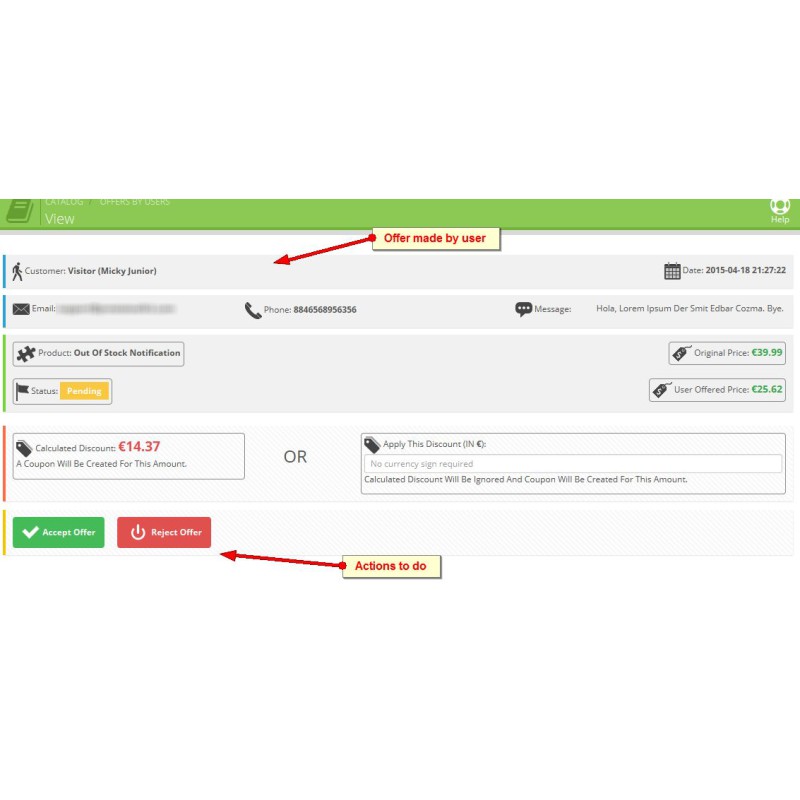
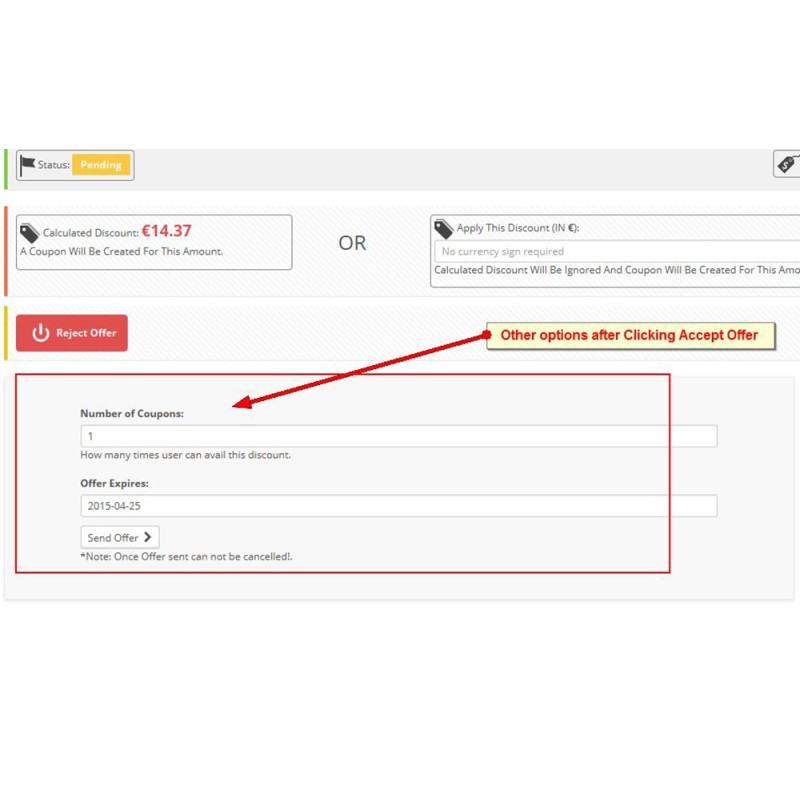
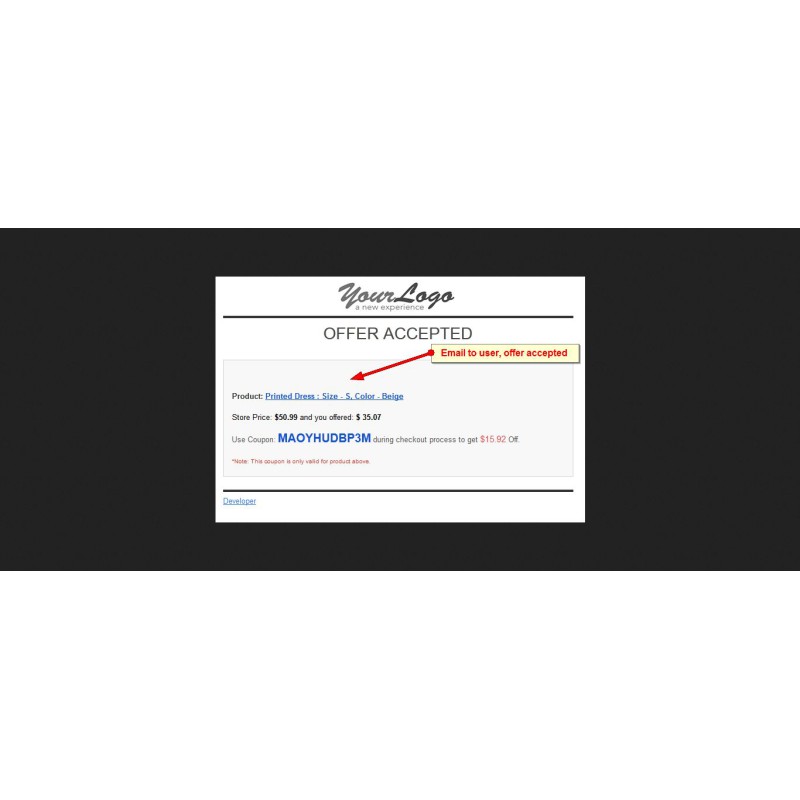
The administrator has full control over how to respond. An offer can be accepted, which automatically generates a coupon with an expiry date and sends it to the customer. Alternatively, the administrator can submit a counter offer higher than the original amount, giving the customer the option to accept the counter offer or simply ignore it.

The Make an Offer module can be used as:

  • A bargain platform, allowing customers to negotiate prices directly
  • A "Found a Better Price? Tell Us" feature, encouraging price-matching requests

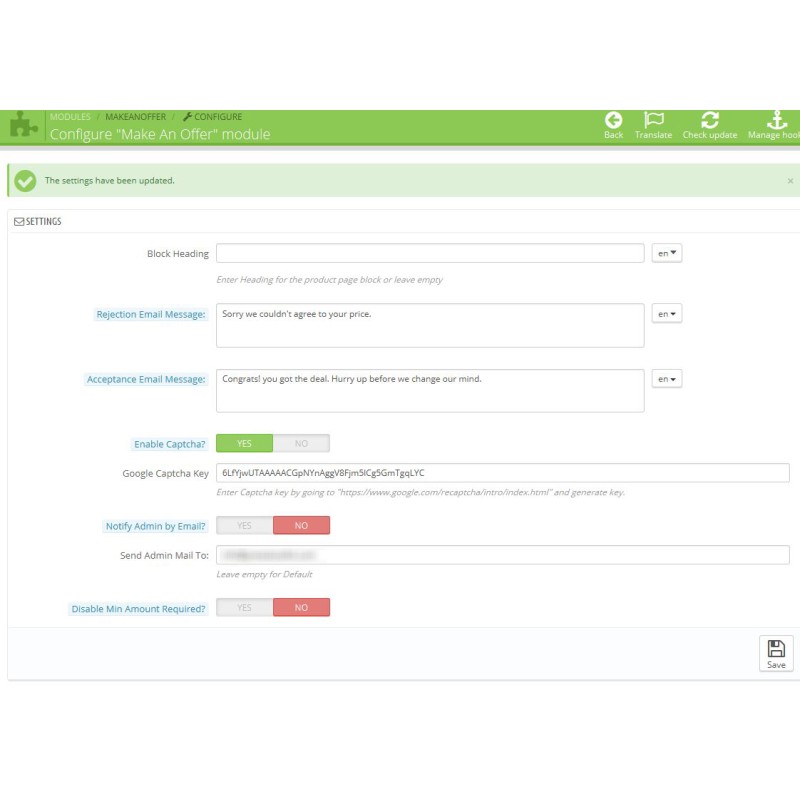
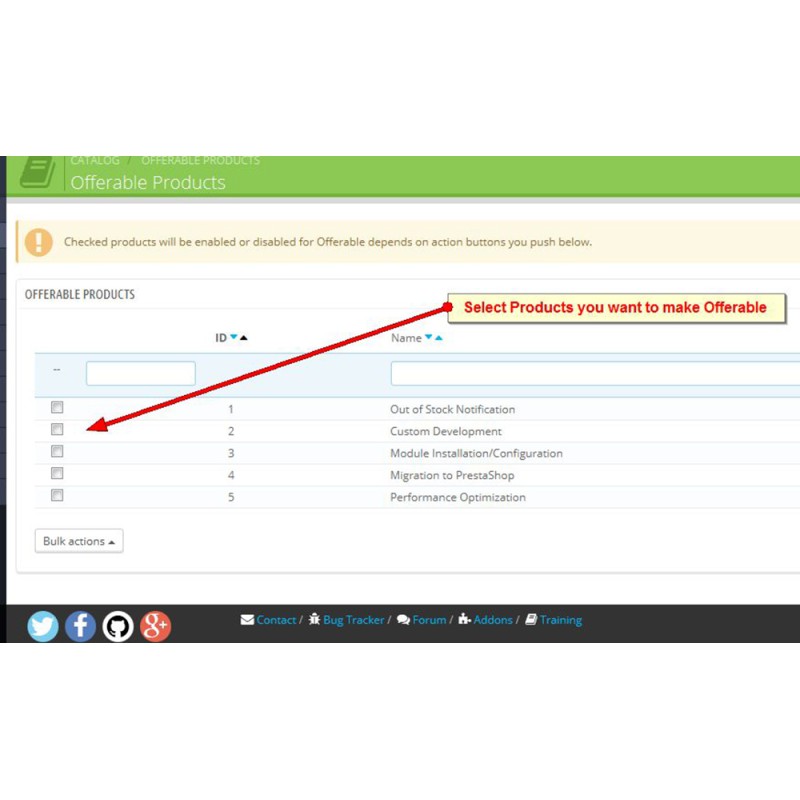
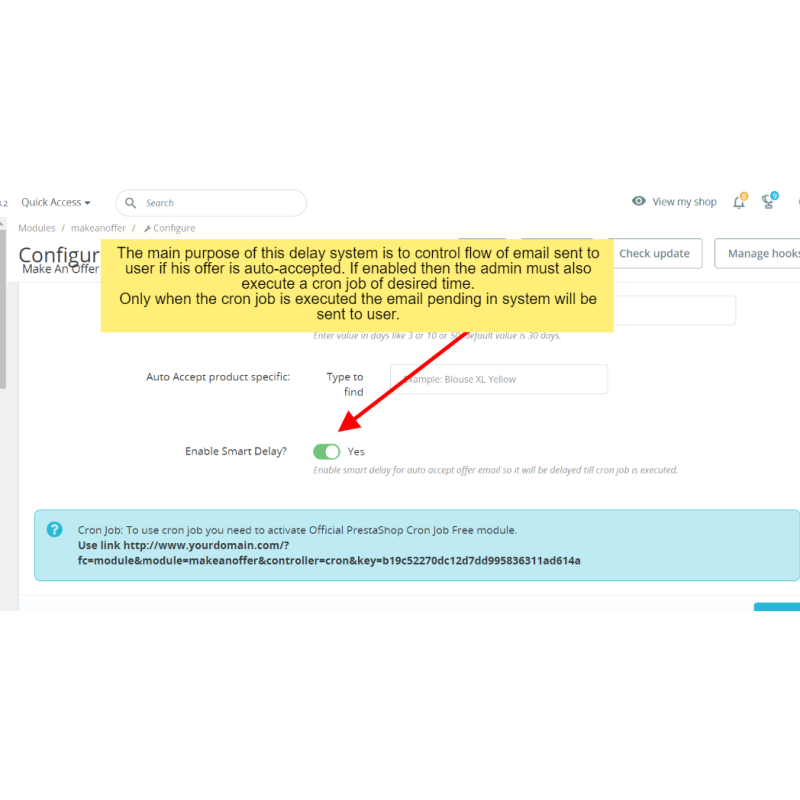
The module can also be enabled for specific products rather than the entire catalog, with the option to customize the messages included in automated emails.

Features:

  • Quick form submission through AJAX requests.
  • Google reCAPTCHA prevents spammers from overloading the server with useless offers.
  • AJAX-based process ensures a user cannot submit more than one offer on the same product.
  • Auto-fill available for logged-in users to speed up the offer process.
  • Validation via JavaScript checks that all emails and fields are filled in correctly before sending the AJAX request, reducing server resource usage.
  • An email is sent to the administrator every time an offer is made.
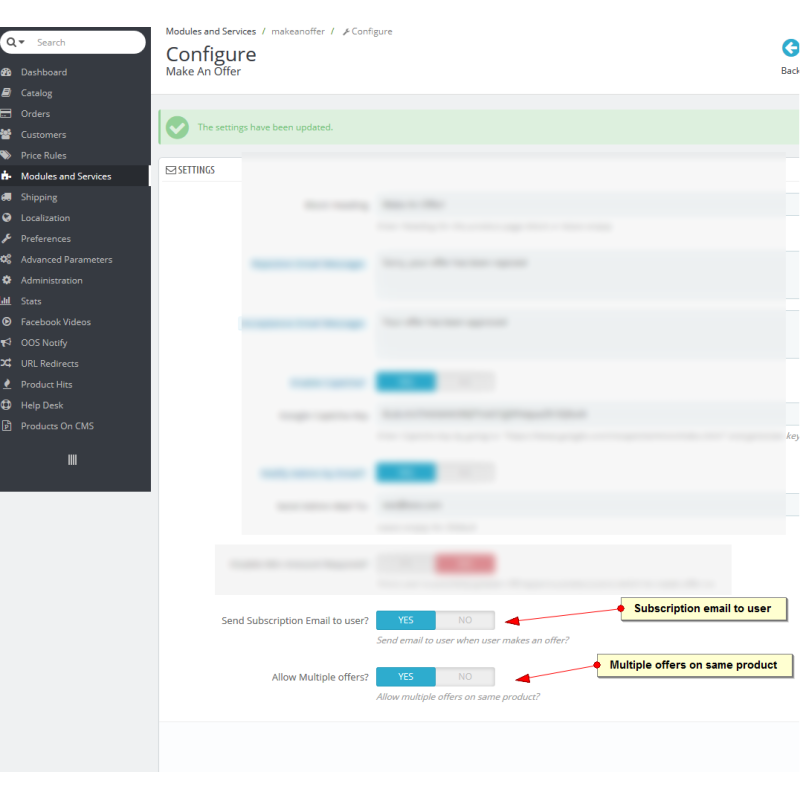
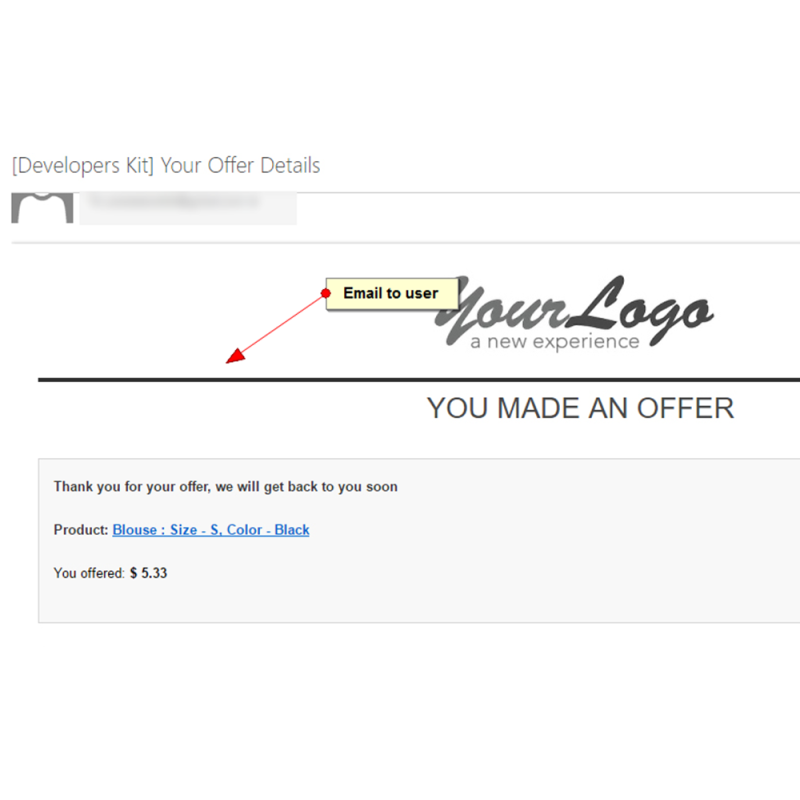
  • Emails are also sent to the user when their offer is accepted, rejected, or when a counter offer is made.
  • Custom email messages can be set by the administrator for user notifications.
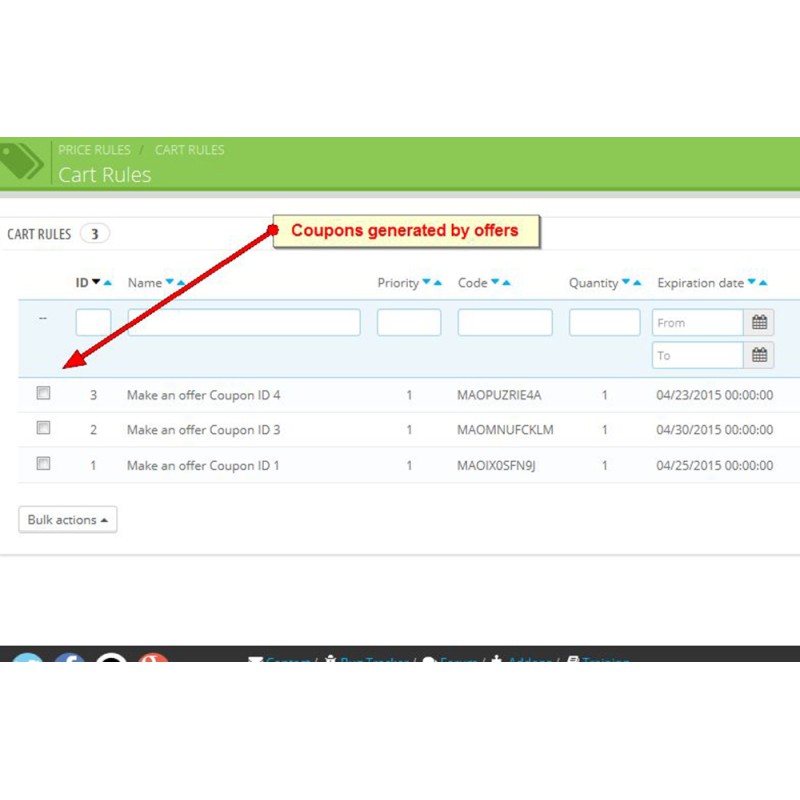
  • An automated coupon is generated when an offer is accepted or a counter offer is issued.
  • Multi-language button title available for the front office.
  • Offer expiration date option available.
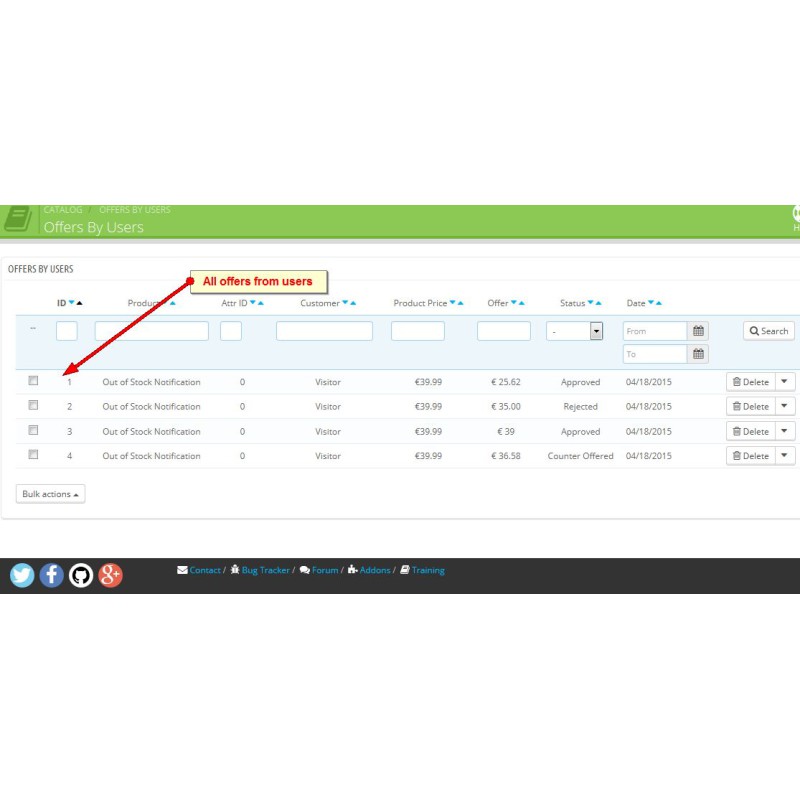
  • Rejected offers are not deleted, allowing the administrator to accept them at a later time.
  • Minimum amount option ensures the user must reach a minimum purchase amount to qualify for the discount.
  • Accepted offers cannot be rejected, though the associated coupon can be removed.
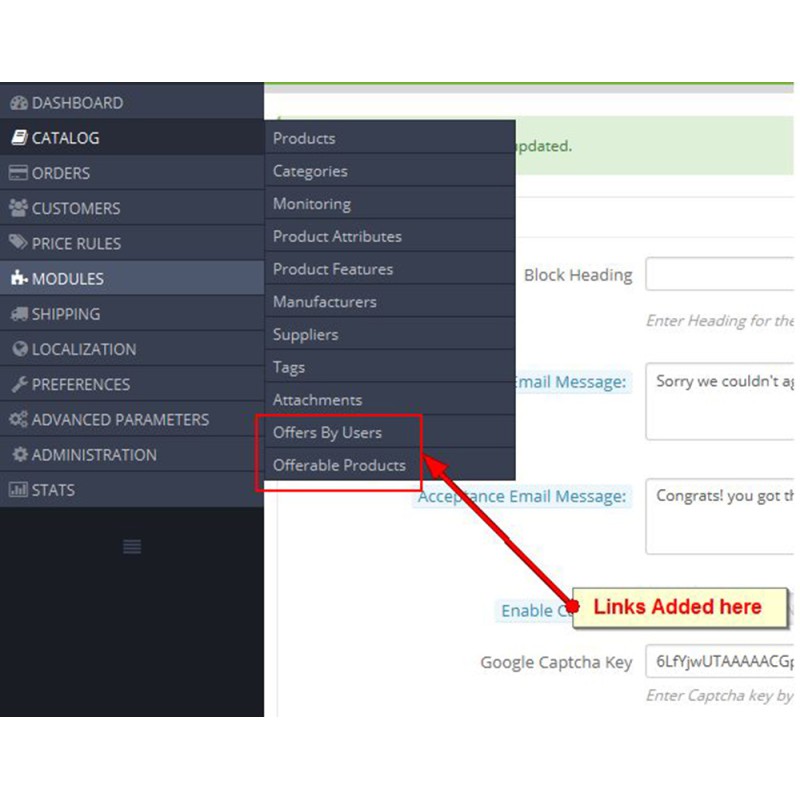
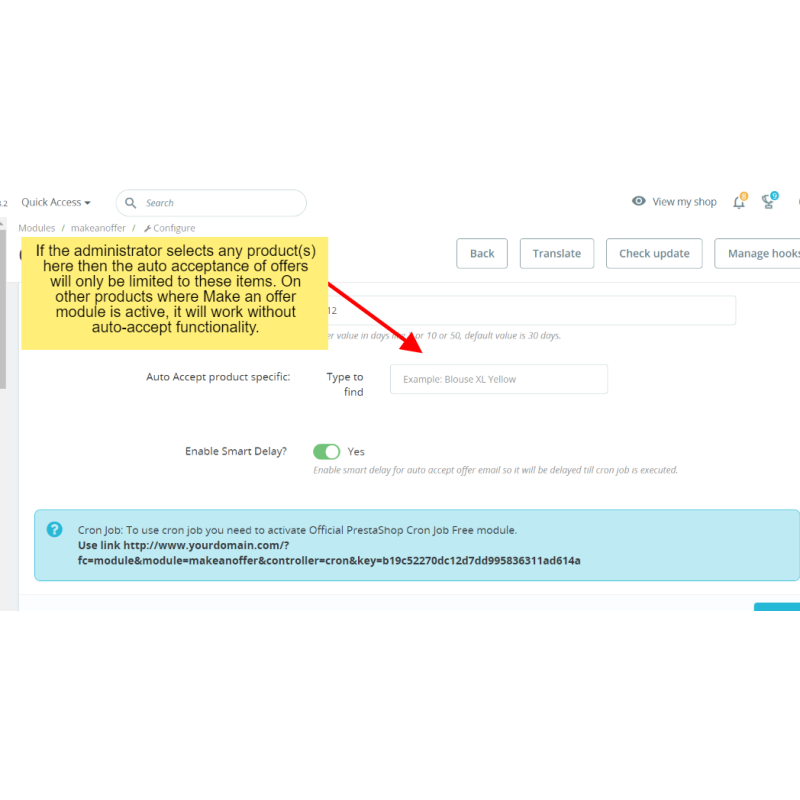
  • Administrator can enable offers for all products or select specific ones.

1.7.3

Data sheet

PS Addons Link
make-an-offer
Compatibility
PS v1.6, v1.7, v8, v9.0

Specific References

Write your review

PrestaShop Make an offer, Auction module

This PrestaShop module gives customers the ability to submit price offers on any product, or on specific products selected by the store owner. Store owners maintain complete control over negotiations, with the option to accept each offer or reply with a counter offer.

Write your review